

Free Standard Shipping Over $99!
Free Returns
Fast Shipping within USA
USPS Returns Instructions
Please use your invoice / packing list to mark on which items you'd like to return, and make sure to include it in your parcel. If you've no longer got your invoice / packing list, you can put your name and order number onto a piece of paper and include it in the parcel.
To use our easy USPS returns service, all you need to do is follow these steps:
Please note, a printer is required for this service. If you don't have a printer, your local library can assist you in printing the label, or your local USPS office may be able to provide a label.
Downloading and Printing a USPS Returns label:
- Go to the USPS Returns Website and enter your details
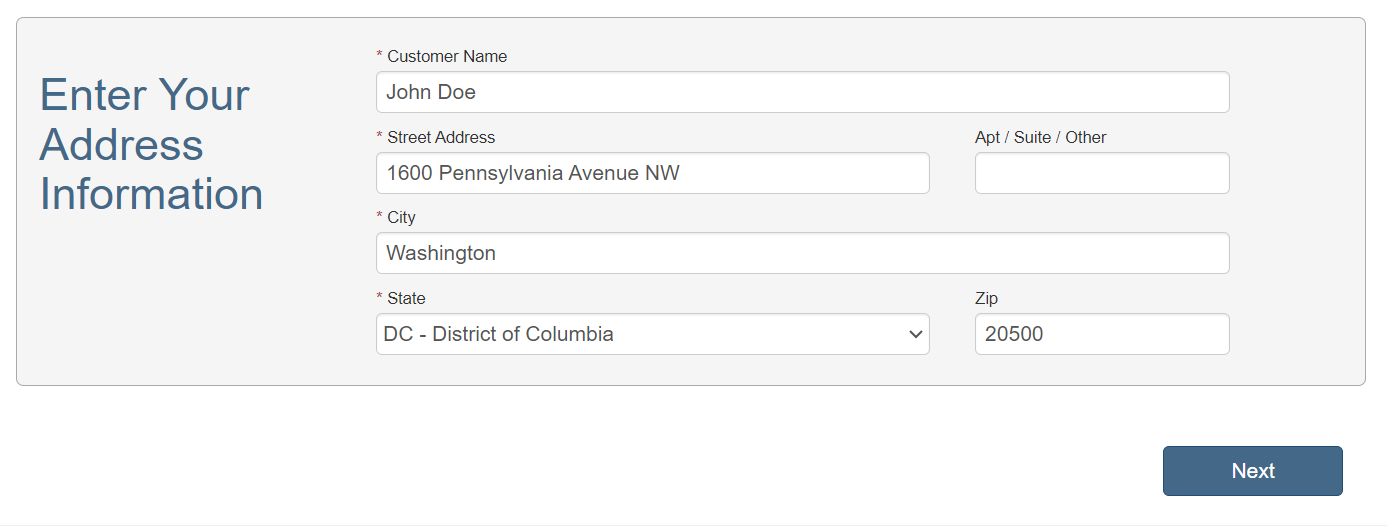
- Confirm that you're not sending any hazardous materials to us by pressing
"No". 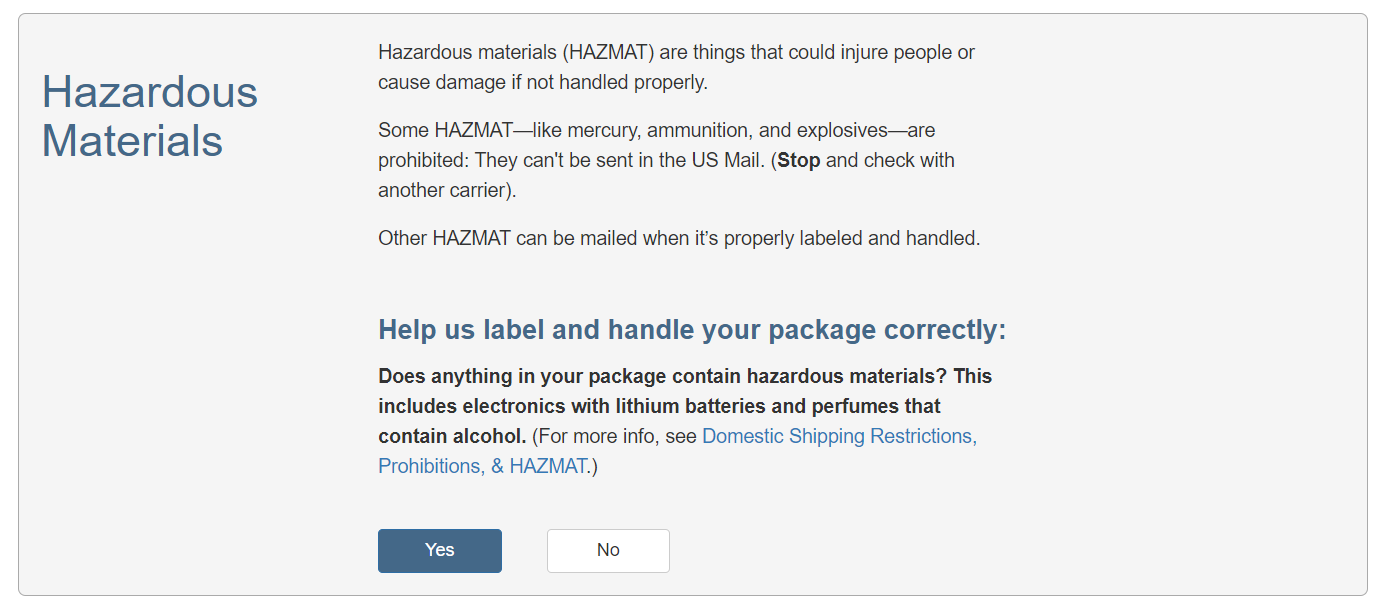
- The RMA is your Order Number and the description is "Clothing"

- You can now either print the label yourself by clicking "Print Label (PDF)" or you can have it emailed
to you by entering your email into the box provided.
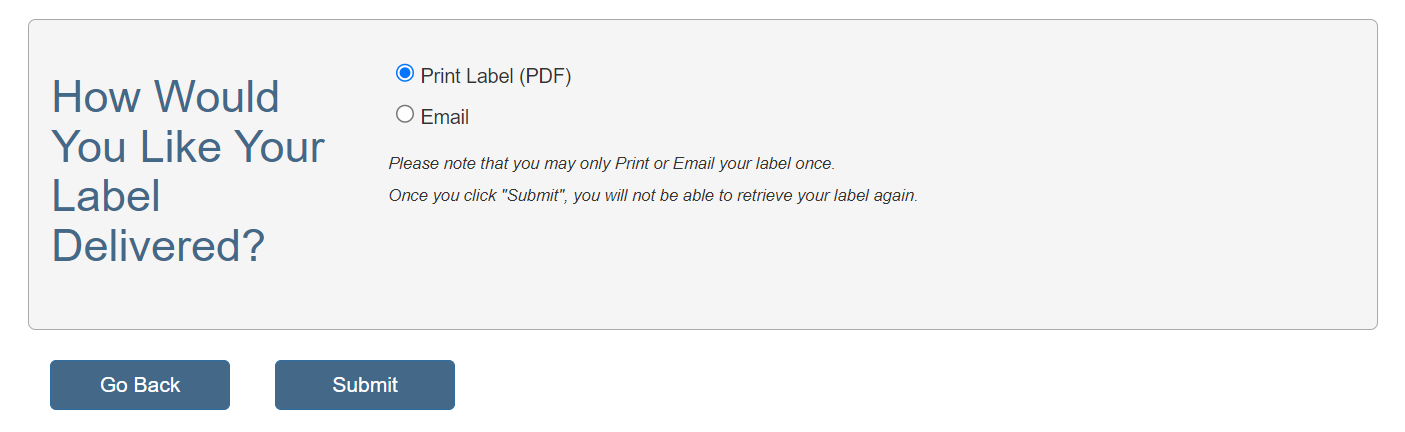
- You can now either have the package collected from your home by scanning the QR code at the bottom right of your return label, or you can take the package to the local Post Office to ship back to us at no cost to yourself.
Please make sure pop-ups are enabled in your browser to get the label.
Returns can take up 7-10 working days to arrive at our US warehouse, where they'll be processed as quickly as we can, but can take up to 10 working days to be processed by our team.

